v0—Brainstorm UI Designs in Minutes, Not Hours
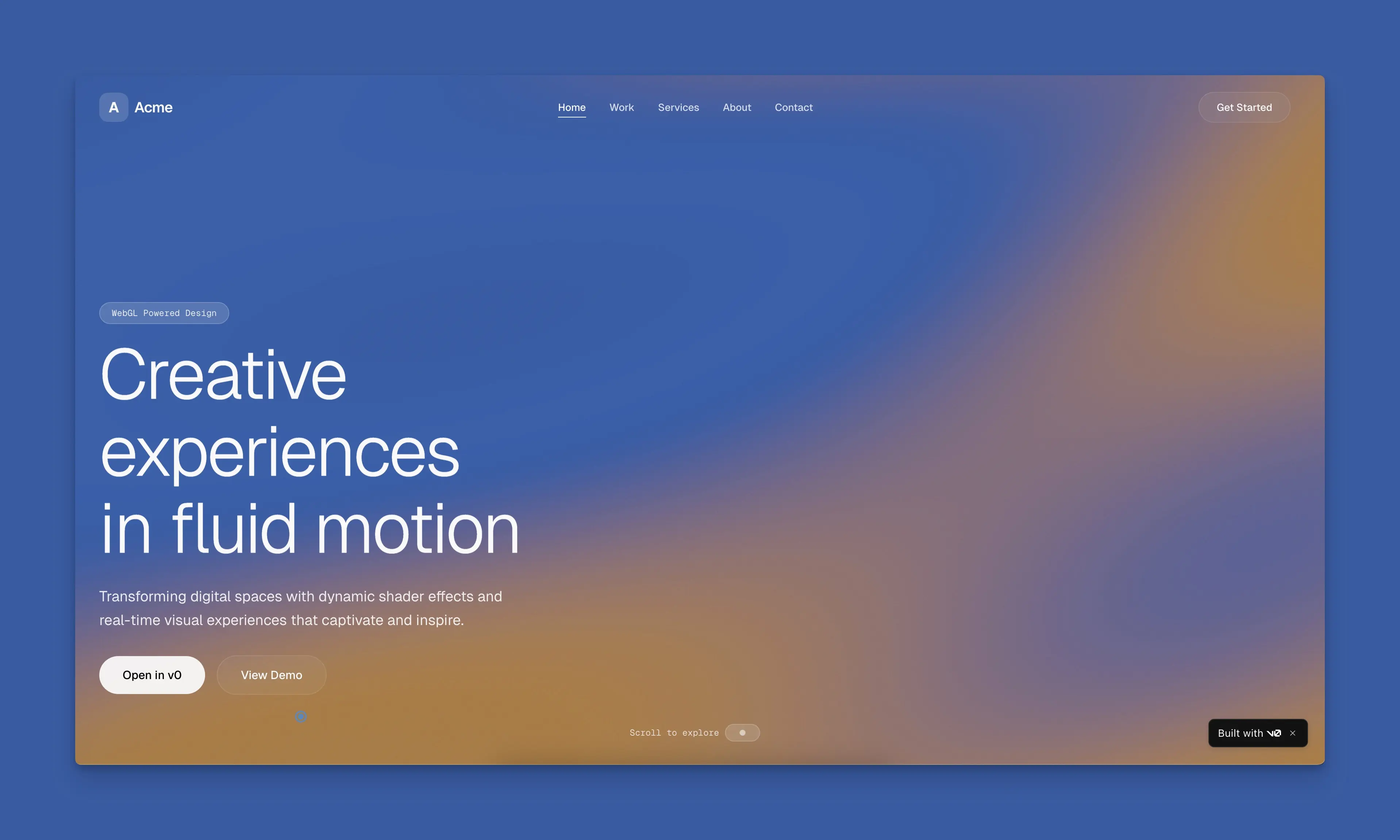
If you've ever spent hours sketching wireframes or wrestling with a blank Figma canvas just to explore a few layout ideas, v0 by Vercel flips the script. You describe what you want—in plain English—and get working, deployable UI in minutes. It's not just a code generator; it's a brainstorming accelerator that turns "what if we tried…" into something you can click, tweak, and ship.
Prompt. Build. Publish.
The core loop is simple: describe your idea, get a working app, refine and deploy. No need to wire up components from scratch or hunt for the right shadcn/ui pattern. v0 generates React components (often with shadcn/ui and Tailwind) that you can immediately preview, edit, and iterate on. That speed is what makes it powerful for brainstorming—you can explore five different hero layouts in the time it used to take to mock up one.
Start with Templates or Go From Scratch
You don't have to start from zero. v0 offers a library of templates—landing pages, dashboards, contact forms, SaaS layouts, portfolios—that you can use as jumping-off points. Pick something close to what you're imagining, then prompt it to adapt. "Make this darker" or "Add a pricing section" or "Turn this into a blog layout." The templates give you a design language; your prompts steer it toward your vision.
Design Mode for Fine-Tuning
Once you have something on screen, v0's design mode lets you tweak details visually. Adjust spacing, colors, typography—without writing code. It's the bridge between "good enough to explore" and "exactly what I had in mind." For brainstorming, that means you can push an idea further without getting stuck in implementation details.
Create Design Systems
v0 lets you define colors, typography, and styles that persist across generations. So when you're iterating on multiple screens or components, they stay consistent. That's huge for brainstorming: you can explore variations of a dashboard or landing page while keeping a coherent look and feel.
Agentic by Default
v0 doesn't just spit out static code. It plans, creates tasks, and can connect to databases and APIs as it builds. That means your brainstorm can go beyond static mockups—you can prototype flows that feel real, with data and interactions, not just pretty screens.
Sync with GitHub, Deploy to Vercel
When you're happy with a direction, you can push directly to a GitHub repo and deploy to Vercel with one click. No export, no copy-paste. The line between "brainstorm" and "shipped" gets shorter. That makes v0 useful not just for exploration, but for turning exploration into something you can share or hand off.
Build Anywhere
v0 has an iOS app, so you can sketch ideas on the go—in a coffee shop, on a commute—and have something tangible by the time you're back at your desk. Brainstorming doesn't have to wait for your laptop.
Bottom Line
v0 is built for speed. It turns "I wonder what this would look like" into a working prototype in minutes, with templates, design mode, and deploy pipelines to take you from idea to production. If you're tired of slow, manual UI exploration, it's worth trying. Describe what you want, iterate fast, and ship when you're ready.
Thanks for reading!
If you found this helpful, consider sharing it with others.
Introducing TRASH DAY — Never Miss a Pickup
I built an iOS app so I’d stop forgetting trash and recycling day. Set your address once, get smart reminders and your full schedule at a glance—no account, one-time purchase.
Why Warp Is My Go-To Terminal
Warp isn't just another terminal skin—it reimagines the command line with blocks, AI, and IDE-like editing. Here's why it's worth trying.