Why Warp Is My Go-To Terminal
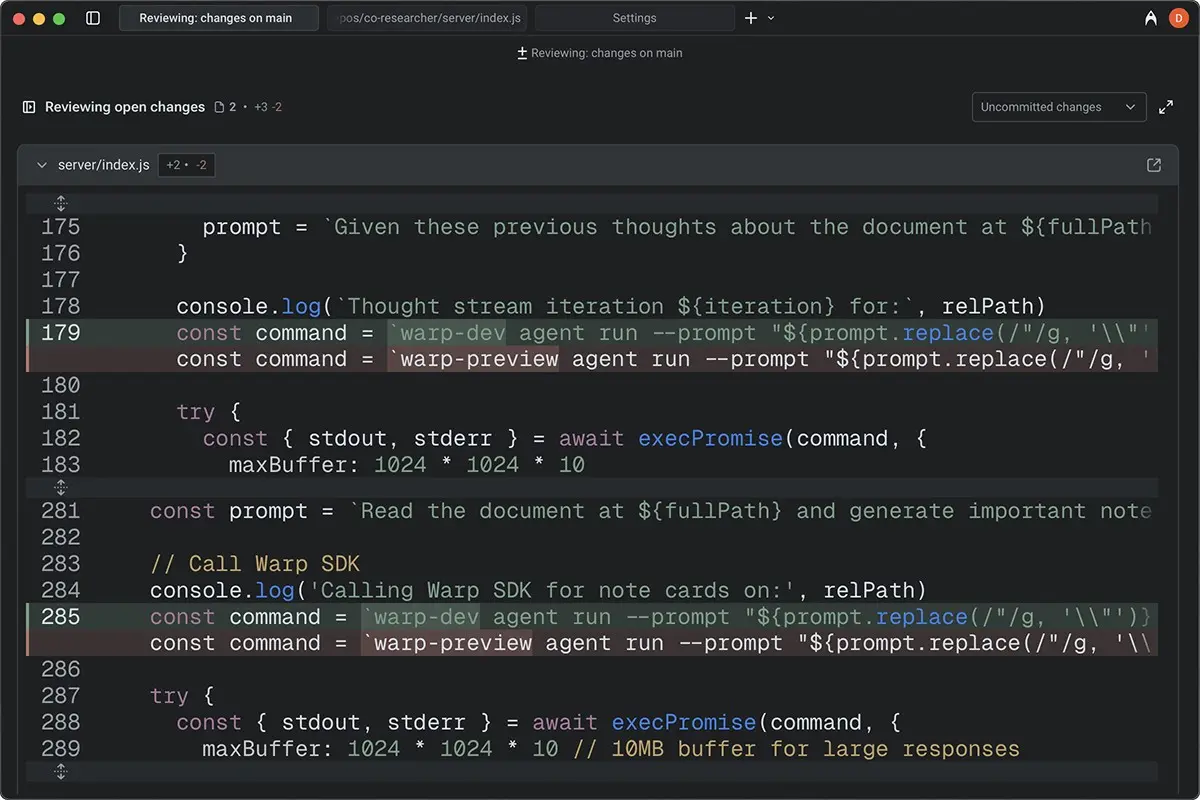
If you spend any meaningful time in the terminal, you've probably hit a wall: scrolling through endless output to find that one command you ran 20 minutes ago, or forgetting the exact flags for find or tar. Warp is a modern terminal built to fix those frustrations. It's not just another skin over the same old shell—it rethinks how you work in the terminal.
Blocks, Not Walls of Text
Commands and their output are grouped into discrete blocks instead of one endless scroll. Each block is a self-contained unit you can select, copy, or collapse. That makes it dramatically easier to find what you ran and what it returned. No more archaeological digs through scrollback.
Built-in AI
Warp includes an AI assistant that understands context. You can ask it how to fix an error, explain what a command does, or suggest the right flags for a task. It's integrated directly into the terminal—no tab-switching to a browser or another app. Type # followed by a plain-English question and get a command back.
Smarter Editing
The input area behaves more like a real editor than a single line. You get multi-line editing, syntax highlighting, and autocomplete that understands your shell and common tools. It feels closer to an IDE than a classic terminal prompt. You can click anywhere to edit, use familiar shortcuts like Cmd+Z to undo, and rely on auto-correct for common typos.
Speed
Warp is written in Rust and uses the GPU for rendering. It stays responsive even with heavy output, and startup is fast. It's noticeably snappier than many traditional terminals.
Works With Your Setup
It uses your existing shell (zsh, bash, etc.) and config files. You can keep your aliases, plugins, and themes and still benefit from Warp's UI and features.
The Catch
Warp is free for personal use but has paid tiers for teams. It's also focused on macOS and Linux (Windows support arrived in 2025). Some power users miss tmux support, and the login requirement may give pause to those who prefer fully offline terminals.
Bottom Line
If you live in the terminal, Warp is worth trying. It keeps the power of the command line while making it easier to read, edit, and debug. The free tier is generous enough to get a real feel for the workflow—and for many developers, it becomes the default.
Thanks for reading!
If you found this helpful, consider sharing it with others.