Cleaner C# in Seconds — Refactor Nested Logic with Early Returns
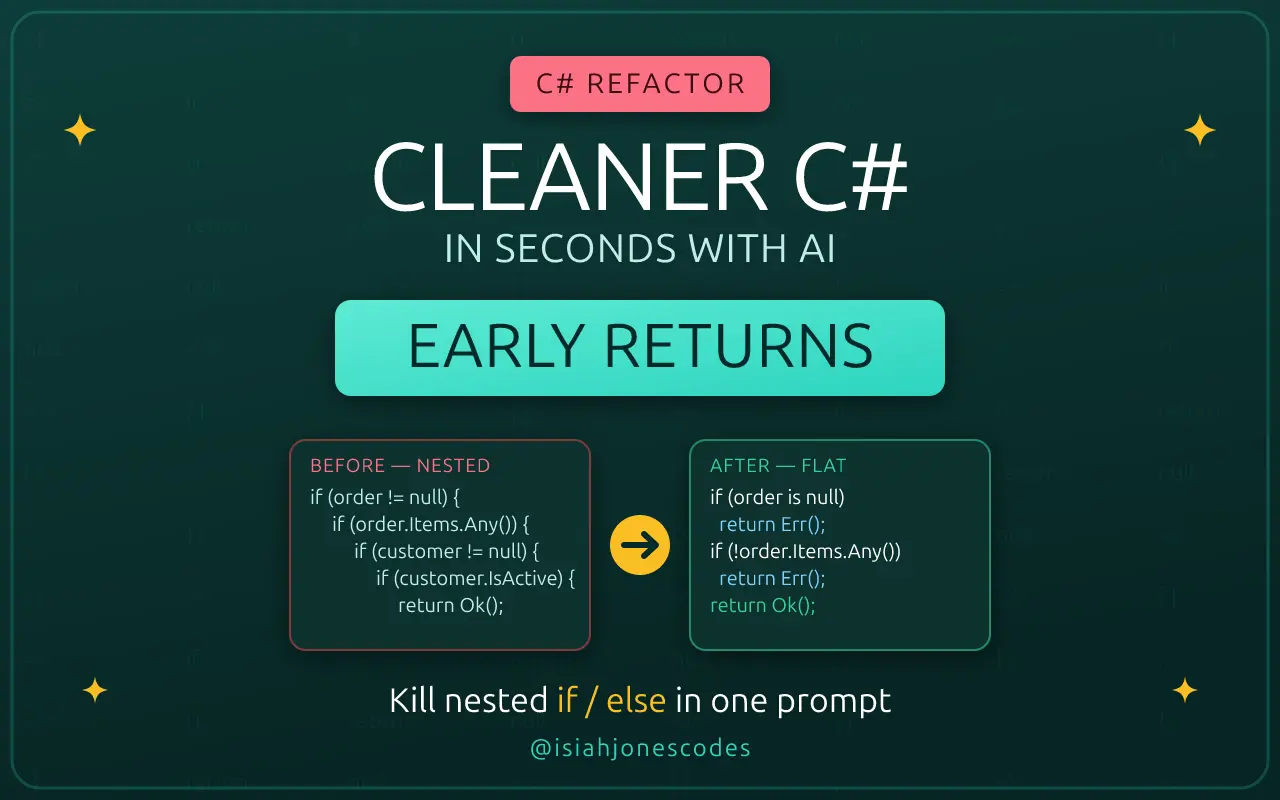
Want cleaner C# code in seconds? One of the fastest wins you can make to a method is replacing deeply nested if/else blocks with the early return pattern. It's a small refactor, but it pays off every time someone—including future you—has to read, test, or change that code. And with AI, you can do it in a single prompt.
The messy version
Here's a method that processes an order. It works, but every validation check is nested one level deeper than the last, so the actual success path is buried five layers in:
public string ProcessOrder(Order order)
{
    if (order != null)
    {
        if (order.Items != null && order.Items.Any())
        {
            if (order.Customer != null)
            {
                if (order.Customer.IsActive)
                {
                    if (order.Total > 0)
                    {
                        return "Order processed successfully.";
                    }
                    else
                    {
                        return "Order total must be greater than zero.";
                    }
                }
                else
                {
                    return "Customer is not active.";
                }
            }
            else
            {
                return "Customer is required.";
            }
        }
        else
        {
            return "Order must contain at least one item.";
        }
    }
    else
    {
        return "Order is required.";
    }
}
It's correct. It's also a pyramid. To find out what makes an order valid, you have to mentally track five open braces and match every else to the if it belongs to. The error messages are scattered far from the conditions that trigger them.
Why early returns help
The early return pattern—sometimes called a "guard clause"—flips the logic around. Instead of nesting the happy path deeper and deeper inside valid cases, you handle the invalid cases first and return immediately. Each check stands on its own, and the main logic falls out the bottom with zero indentation.
The refactored version
public string ProcessOrder(Order order)
{
    if (order == null)
        return "Order is required.";

    if (order.Items == null || !order.Items.Any())
        return "Order must contain at least one item.";

    if (order.Customer == null)
        return "Customer is required.";

    if (!order.Customer.IsActive)
        return "Customer is not active.";

    if (order.Total <= 0)
        return "Order total must be greater than zero.";

    return "Order processed successfully.";
}
Same behavior, same return messages—but now it reads like a checklist. Each guard clause pairs a condition with its message on adjacent lines. The success case lives at the bottom, unindented, where it's easy to spot. There are no else branches to mentally pair up, and adding a new validation rule is just one more guard clause, not another level of nesting.
The wins are concrete:
- Easier to read — flat structure, no brace-matching, logic flows top to bottom.
- Easier to test — each failure path is an independent branch you can target directly.
- Easier to maintain — new rules slot in without re-indenting the whole method.
Let AI do the refactor
You don't have to do this by hand. This is exactly the kind of mechanical-but-tedious transformation AI is great at. Here's the prompt:
Refactor this C# method using the early return pattern.

Goals:
- Remove unnecessary nested if/else blocks
- Keep the same behavior and return messages
- Make the code easier to read
- Do not change the method signature
- Briefly explain why the refactored version is cleaner
The key parts of that prompt are the constraints: keep the same behavior and return messages and don't change the method signature. Those guardrails keep the AI focused on structure instead of quietly "improving" your logic. Asking it to explain the change is a nice bonus—you get a quick sanity check that it understood the intent.
If you want to generate a practice example to refactor, you can flip the prompt and ask for the messy version first:
Create a C# method that processes an order but intentionally uses
deeply nested if/else statements. Validate that the order is not null,
has items, has a non-null active customer, and a total greater than zero.
Return a string message for each validation failure and a success message
when valid. Write it in a way that would benefit from the early return pattern.
Bottom line
Nested if/else chains are one of the most common readability killers in real C# codebases, and the early return pattern is one of the easiest fixes. Pair it with a well-constrained AI prompt and you can clean up a method in seconds—same behavior, far less noise. Small refactors like this add up. Your future self will thank you.
Thanks for reading!
If you found this helpful, consider sharing it with others.
What No One Tells You About Publishing Your First iOS App Solo
Submitting TRASH DAY to the App Store wasn't hard—but it was a lot of steps. Here's what caught me off guard as a solo developer going through the process for the first time.
Introducing TRASH DAY — Never Miss a Pickup
I built an iOS app so I’d stop forgetting trash and recycling day. Set your address once, get smart reminders and your full schedule at a glance—no account, one-time purchase.