Frontend Mentor—Learn to Code by Building Real Projects
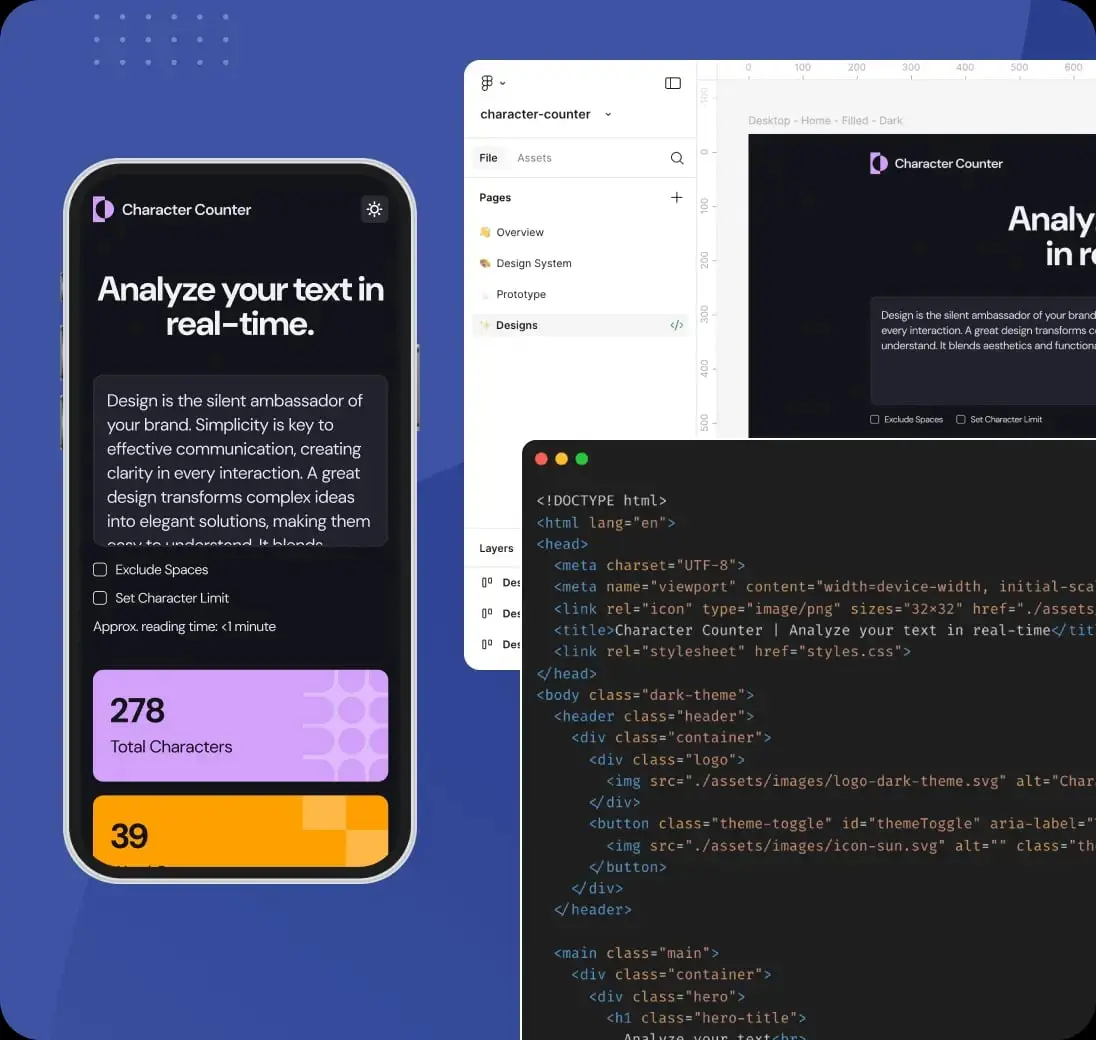
If you've ever stared at a blank project wondering what to build, or felt stuck in tutorial purgatory—watching without doing—Frontend Mentor is built for you. It's a platform that provides professional design-to-code challenges that mirror real-world development work. Over 1.1 million developers use it to build portfolio projects that actually impress employers.
How It Works
The flow is straightforward: choose a challenge, code the design, submit and improve. You pick from 100+ projects across five skill levels—from HTML/CSS basics to full-stack applications. Each challenge comes with design mockups (desktop and mobile), assets, and a clear brief. You build using any tools, frameworks, or AI assistants you want. Then you submit your solution, get feedback, and compare your work to the design.
Move Beyond Passive Learning
The biggest shift Frontend Mentor enables is moving from watching to creating. Instead of following along with a tutorial, you're translating a design into code on your own. That's the skill that matters on the job. You practice layout decisions, responsive design, accessibility, and the full design-to-code workflow that real teams use.
Build a Portfolio That Gets You Hired
Recruiters consistently tell Frontend Mentor that these portfolio pieces "wow" them in interviews. The projects look professional because the designs are professional. You're not building another todo app—you're building landing pages, dashboards, and multi-page sites that demonstrate real-world capabilities. Finished challenges become strong portfolio entries with live demos and source code to share.
AI-Powered Feedback (Pro)
With a Pro subscription, you get AI-powered feedback on every submission. The platform reports that its AI-enhanced reviews spot up to 3x more improvement opportunities than manual review alone. You also get access to Figma design files, premium challenges, and custom solution domains—everything to level up faster and work like a pro.
A Supportive Community
Beyond the challenges, Frontend Mentor has a Discord community where developers share code reviews, career advice, and support. You can review others' solutions to sharpen your eye and build connections. It's a place where people understand the journey from newbie to professional.
Free vs Pro
The free tier includes access to all free challenges, community feedback, and the core workflow. Pro adds AI feedback, Figma files, premium challenges, unlimited solution screenshots, private solutions, and custom domains. For many learners, the free tier is enough to get started; Pro makes sense when you want to accelerate and work with full design specs.
Bottom Line
Frontend Mentor eliminates the "what should I build?" problem and replaces it with structured, professional challenges. Whether you're learning the basics or polishing for interviews, it's a practical way to build real skills and a portfolio that stands out. Skip the search for project ideas—dive in and start building.
Thanks for reading!
If you found this helpful, consider sharing it with others.
Custom Alphabetical Order — A C# Coding Challenge
Check if a list of words is sorted according to a custom alphabet. Problem breakdown and a C# solution.
JavaScript Challenges That Trump the Normal Developer
Tricky JS puzzles that trip up even experienced devs—closures, this, coercion, and the event loop.