Building an Ad-Free Tic-Tac-Toe PWA with Cursor—With My Nephew in the Room
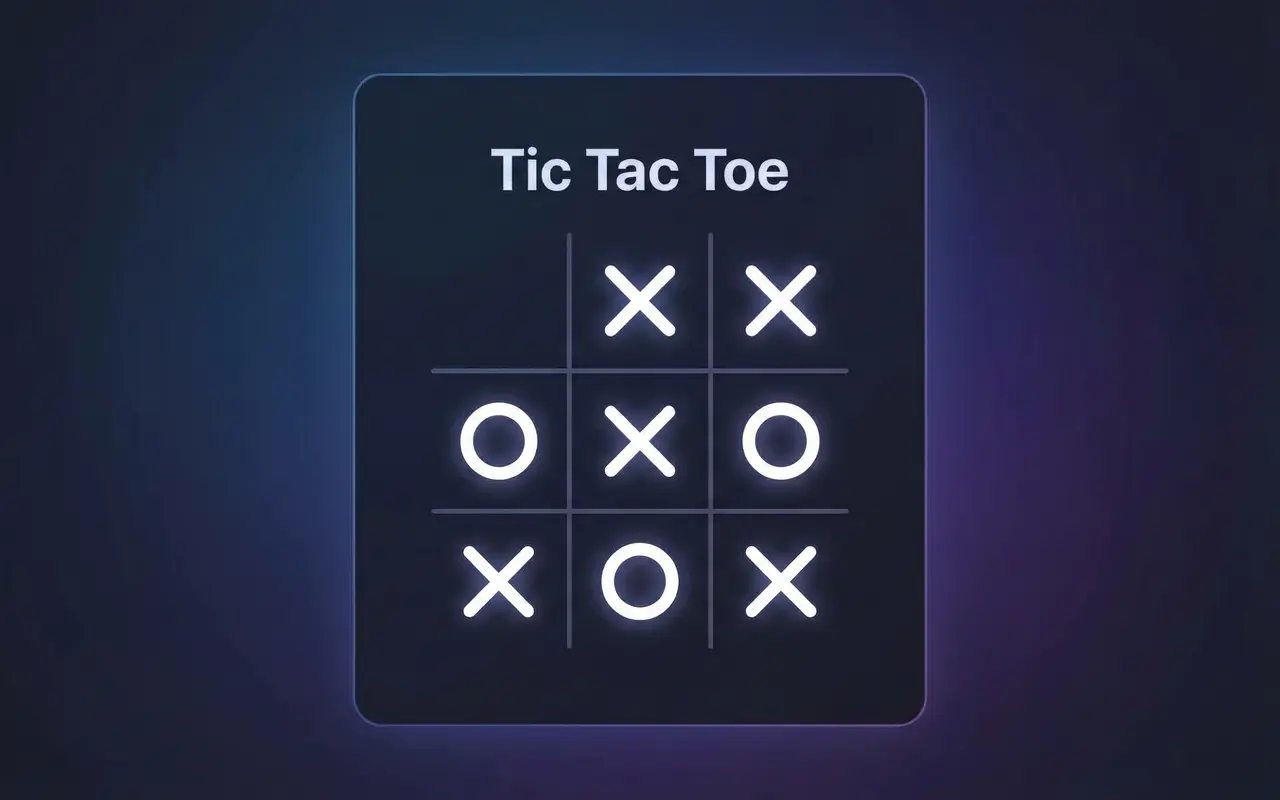
Playing games with my nephew used to be straightforward. Grab a device, open a game, play. Now? Even the simplest games—including tic-tac-toe—bombard you with ads. Interstitials between moves, rewarded videos, banners everywhere. It’s exhausting, and it gets in the way of actually playing together.
So I decided to fix that. Not by hunting for an ad-free app, but by building one—and having him right there while I did it.
The Plan: Build It Together (Sort Of)
He’s five. He doesn’t understand code—and he doesn’t have to. The learning experience was seeing something get created: idea → typing → screen. It doesn’t always have to be legos or a coloring book. Watching an app take shape in real time is its own kind of making.
I didn’t want to disappear into my office and come back with a finished app. I wanted him to see how it gets made. So the plan was:
- Build in the open – He sits with me while I work in Cursor. He sees the code, the prompts, the changes.
- Test on his device – We deploy and install the PWA on his iPad so he’s the primary tester.
- Iterate as we play – We play, hit a limit or an idea (“can we add sounds?” “what about playing against the computer?”), and I add it. No big roadmap—just one feature at a time, driven by what we actually want.
No ads, no tracking, no nonsense. Just a game we could keep improving together.
Why a PWA?
A Progressive Web App made sense for this. It runs in the browser, works offline once installed, and adds to the home screen like a native app—perfect for an iPad. No App Store, no approval process. I could ship an update, he could refresh, and we’d have the new version. Fast feedback loop for both of us.
The stack ended up being Vue 3, Vite, TypeScript, and Tailwind, with vite-plugin-pwa (Workbox) for installability and offline support. Cursor handled a lot of the boilerplate and wiring so we could focus on game logic and UX.
What We Added as We Went
We didn’t start with a full spec. We started with a grid and X’s and O’s, then kept layering on what felt fun or useful:
- Two-player mode – Take turns on the same device. Obvious first step.
- Vs. computer – He wanted to play when I wasn’t there, so we added difficulty levels (easy, medium, hard) with a minimax-based AI; hard mode is unbeatable.
- Undo – Misclicks happen. We added undo so we could take back a move without restarting.
- Sounds – Move, win, and draw sounds (with a toggle for when it gets annoying).
- Stats – Win/draw tracking per mode, stored locally so we could see who was ahead over time.
- Accessibility – ARIA labels, keyboard focus, and a reduce-motion option so it stays usable for more people.
Each of these came from playing, noticing a gap, and asking “can we add…?” Then we’d add it and test again on the iPad.
Why Having Him There Mattered
Having him in the room wasn’t just for morale. He’s only five and doesn’t read code, but he got that we were building something—that the game on the screen came from the stuff I was typing. He was excited that he has his own app, one his uncle made for him. He was the product owner in the loosest, best sense: “that’s too hard,” “I want a sound when I win.” We’d adjust. Testing on his iPad meant we caught touch targets, font sizes, and layout issues I might have missed on a laptop. Code literacy wasn’t the goal; watching something get made was. That’s a learning experience too. It doesn’t always have to be legos or a coloring book.
How Powerful AI Is as a Coding Assistant
This whole thing underlined how much AI can change the pace of building. You can experiment and create fast—try something, see it fail, try again. No long research rabbit holes or boilerplate drudgery. With Cursor in the loop, we went from “can we add sounds?” to done in minutes. That’s what made the live, play-and-iterate session with my nephew possible.
The timeline says it: we spent maybe 30 minutes playing together and making changes. Then I spent about an hour by myself adding more features, wiring up tests, and setting up deployment pipelines and GitHub Actions. In a little over an hour and a half total, we had a real, installable, ad-free game plus a tested, auto-deploying repo. That kind of speed—try, fail, try again—is what makes AI-assisted coding feel like a different kind of tool.
The Result
We ended up with Friendly Tic-Tac-Toe—installable, offline-capable, ad-free, and ours. The source is on GitHub if you want to fork it or use it as a starting point.
If you’re tired of ad-heavy “simple” games and you have a kid (or nephew, or anyone) who’d enjoy watching and testing, try building something small together with Cursor. Start with the minimum, put it on their device, and add one thing at a time. You get a game you can actually play; they get to see how it’s built; and nobody has to sit through another ad.
Thanks for reading!
If you found this helpful, consider sharing it with others.
Building My Dream Desk Setup Starts With a Powerful Gaming PC
A great desk setup is more than aesthetics—it starts with the hardware underneath. Here's why I made the trip to Microcenter in Indianapolis to build my dream gaming PC from scratch.
Creators I Follow for Coding and Tech Updates
I added a new Creators page to highlight the YouTube channels I follow for coding ideas, web development, .NET, Vue, Nuxt, and tech news.